
Cross-Platform Browser Games Need Different Strengths on TV, Phone, and Desktop
HTML5 reach sounds broad on paper, but good cross-platform design still depends on honest control and layout choices.
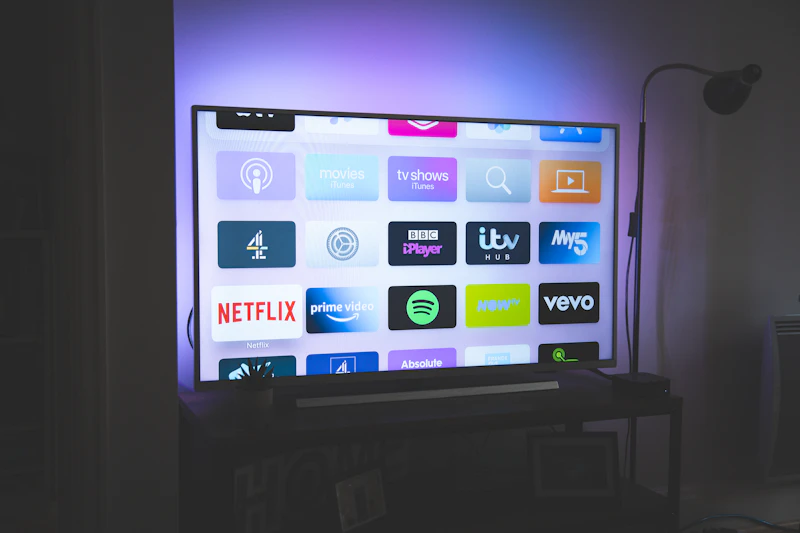
What changed
HTML5 games can reach more screens than before, but screen access is not the same thing as equal comfort. For technical or policy topics, the value only counts if an ordinary player can feel the difference in the browser.
A game that feels tidy on desktop may feel awkward on a TV remote or cramped on a phone. Good cross-platform work admits that difference instead of pretending it away. This kind of claim matters only when it changes what the user notices in the first few clicks.
The strength of the browser is reach. The challenge is fit. For technical or policy topics, the value only counts if an ordinary player can feel the difference in the browser.
Why players notice it
Players forgive a platform compromise when the game clearly adapts. They get frustrated when every device feels like an afterthought. The point is not to sound strict. The point is to keep the page understandable under normal use.
Simple genres travel best. Slow puzzles and clear turn-based ideas usually survive more screens than fast twitch play. On a browser site, details like this influence trust quickly because the session begins before the player thinks of it as a decision.
Where portal teams still get it wrong
Players are usually patient about a limitation when the site explains it clearly. They get annoyed when the site acts like a limitation is a feature. That is what turns a policy or UI rule into something a player actually benefits from.
Read as a group, the list turns a vague standard into repeatable page choices. That is what makes it useful in day-to-day editing.
- Reusing the same control assumptions on every device
- Ignoring reading distance on TV-sized screens
- Packing phone layouts with tiny text and low-contrast buttons
- Marketing every game as perfect everywhere when the differences are obvious
A practical checklist for site teams
The useful work is usually boring work. It lives in load speed, readable labels, honest expectations, and clean fallback behavior. The checklist matters because technical clarity should survive contact with real devices and real screen sizes.
Read as a group, the list turns a vague standard into repeatable page choices. That is what makes it useful in day-to-day editing.
- Match the article recommendation to the device where the game feels strongest.
- Keep interfaces large, clear, and forgiving on remote-style inputs.
- Treat touch, keyboard, and couch distance as real design constraints.
- Be honest when one device is only "playable" rather than truly comfortable.
What this means for Playgoha Games
For Playgoha Games, the practical win is not universal perfection. It is helping players find the genres that feel natural on the screen already in front of them. Players rarely describe this in technical language, but they react to it when a page feels easier to use.
That kind of honesty is more useful than a giant compatibility promise. On a browser portal, that kind of detail affects trust because users can feel friction long before they can name it.
FAQ
Short answers about cross-platform HTML5 play. That keeps the advice practical and prevents the article from sounding more absolute than it needs to.
The most useful FAQ habit is simple: check the live page or the live session, because real friction is easier to spot there than in an abstract rule.
- Do all browser games work well on TVs? No. Many are technically accessible but not truly comfortable there.
- Which genres travel best? Slower puzzle and menu-light games usually do.
- Should articles mention the best device? Yes, when it changes the feel of the game.
- Why not push one layout for everything? Because different screens ask for different reading and control habits.
Explore on Playgoha Games
Ready to play? Browse free HTML5 games or read more guides.
Articles on Playgoha Games are written by our editorial team for entertainment and general education. They are independent editorial content and do not replace professional advice or formal training.
More to read

Use a puzzle game as a clean desk reset between tasks
A short puzzle can shift your attention without the speed and noise of an action game. The trick is choosing a firm stopping point.

The five-minute office break is real, and it has its own kind of game
A true office-break game does not only load quickly. It also lets you stop without the feeling that you abandoned something halfway alive.

New to Eliminate Games on Playgoha Games? Start Here
New players usually do better in eliminate games when they learn the board rhythm first and treat score as a side effect.

How to Push Your High Score in Jump the Ladder on Playgoha Games
Higher scores in Jump the ladder come from rhythm, shorter corrections, and knowing when not to chase a risky recovery.